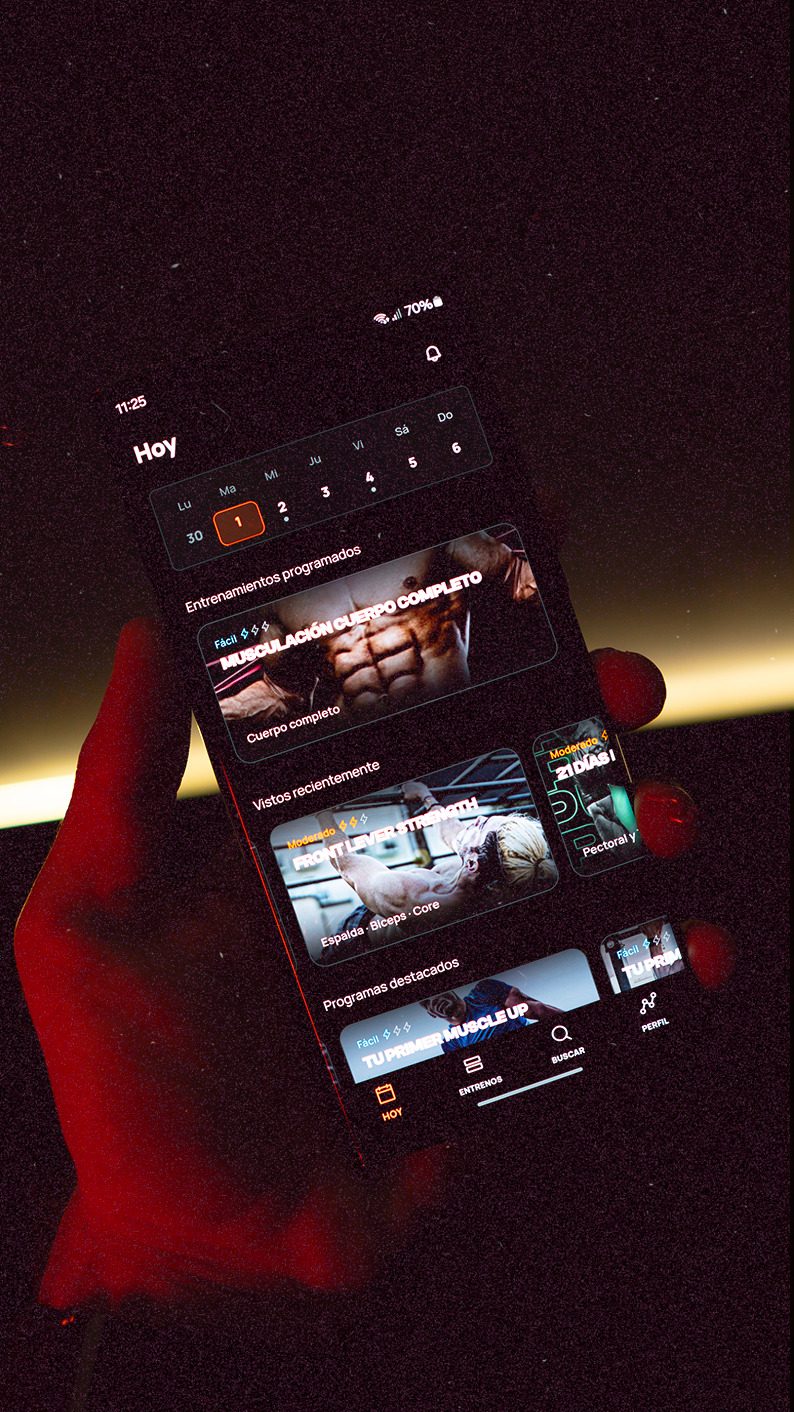
Latest Calisteniapp release - v26.8.0
Discover what’s new in Calisteniapp versions 26.5 to 26.7: customised warm-ups, a load index, personal records, and photos in your logs.
If you’ve been training with Calisteniapp for the past few weeks, you’ve probably noticed that the app is evolving quickly. From v26.5.0 to v26.7.0, we’ve been working towards one main goal: giving you more control over how you plan, track, start, and finish each Session, while making all that information easier to understand at a glance.
In these latest updates, we’ve added and improved many aspects of the app:
If you’d like to learn more about these updates and how to make the most of them, keep reading. We’ll walk you through the most important changes in detail.
This update is all about knowing exactly where you are and making your training plan adapt to you — not the other way around.
Under Profile > Stats, we added a load index that combines intensity, duration, number of sessions, and perceived exertion. The idea is to give you a clear reference for how much training load you’re accumulating, with a 15% safety range designed around progressive overload. If you slow things down, the index adapts with you.
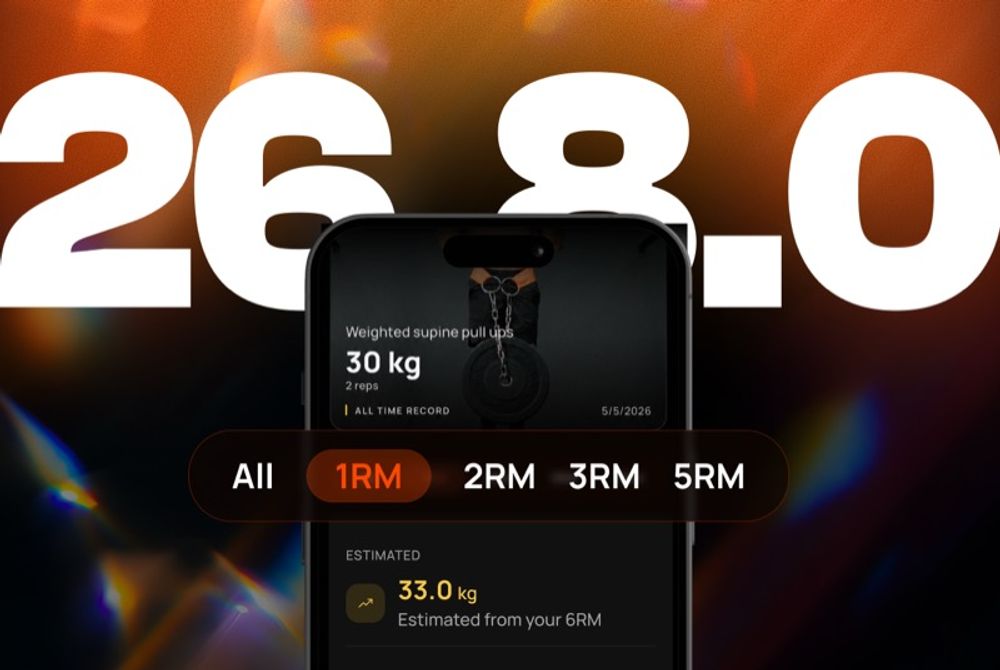
We introduced Personal Records, a new section in your profile where you can quickly see your best performance for each exercise. Every exercise has its own detail view, including a podium and history, so you can easily see your progress without having to remember your previous numbers.
Under Preferences, you can now choose your app theme: system, light, or dark. We also took the opportunity to polish the light theme visually.
When something gets in the way of your training, you no longer have to rearrange your entire Program. You can move just the pending session or reschedule the Program from that point onwards. If you haven’t trained for a while, the app will also remind you to pick up your Program where you left off.
Shortly afterwards, in v26.5.1 — a minor patch — we updated the calendar widgets on iOS and Android so they respect your selected theme and update as soon as you change it under Preferences.
With v26.6.0, we focused on two things: letting you keep a visual record of your workouts and making the progressions in certain Programs better reflect how they’re actually trained.
You can now add up to 3 photos after finishing a workout or when editing a workout log, and reorder them however you like. They appear in the post-workout summary, workout log details, and your community posts. Your first photo can also be used as the background when sharing your workout.
If you come across inappropriate content in another user’s post, you can report it directly from the post details.
We updated the Handstand Program with a more gradual progression and added new recommendations after completing Full Body Strength Training, so you know what to tackle next.
We also introduced an “Attempts Only” indicator for technical skill exercises, making it clear when the goal is simply to practice the movement rather than complete traditional sets.
We updated planning, calendars, and widgets so they respect the first day of the week according to your region, and made password requirements clearer during registration.
If you train with Calisteniapp, warm-ups and stretching are part of the Session — not just an extra. But you don’t need the same thing every day. Some days you’re short on time, some days you might have a minor niggle, and some days you just want a quick warm-up before getting straight into the hard work.
That’s what v26.7.0 is about: giving you more control over how you start and finish each Session, while making your Programs and workout logs easier to understand at a glance.
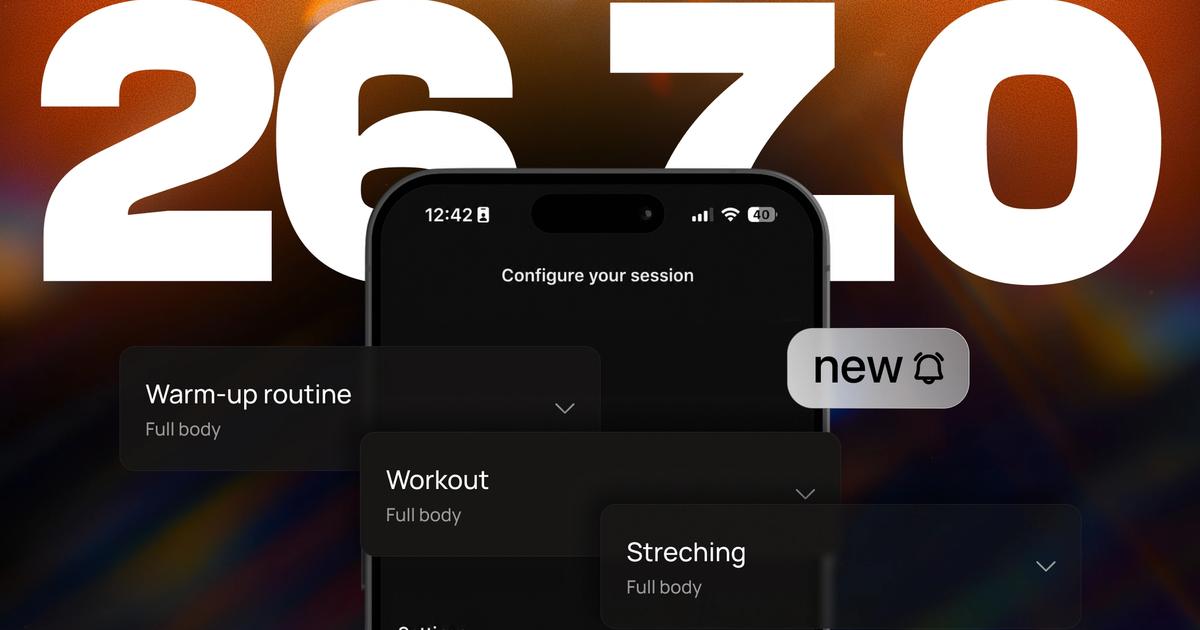
You can now choose which warm-up and stretching routines you want to use from the settings before starting a Session, and enable or disable each phase depending on what you need that day.
After finishing your warm-up — or your workout — you’ll now see a transition screen that lets you decide when you’re ready to continue instead of the app moving on automatically. And if you don’t need an entire phase that day, you can skip it and go straight to the next step.
We’ve also redesigned the progress bar so it fits more naturally into the Session and makes it easier to see exactly where you are.
Each phase of your Programs now gives you more information before you start. You can preview the Sessions included in the phase and see a summary of the exercises you’ll be working on.
The duration of each phase is also more visible, while phase cards have been simplified to take you straight to the full details without unnecessary clutter.
If you track added weight in your sets, you can now see the total training volume of your workout.
We’ve also improved workout photos: the square carousel is more consistent, page indicators appear when you have multiple photos, and the full-screen viewer is easier to use.
Thanks for training with us. If anything gets in your way — or you notice any issues after updating — get in touch with us on Instagram, through our Discord community, or by email at info@calisteniapp.com.
Iñaki Tajes
CEO & Co-founder
Personalized quiz
Answer 7 quick questions and we will recommend the program that fits you best.

Iñaki Tajes
Ingeniero y cofundador de Calisteniapp, experto en diseño de productos digitales centrados en el usuario. Lidera la estrategia tecnológica de una de las apps de calistenia más utilizadas del mundo hispanohablante, Calisteniapp, una aplicación de entrenamiento con más de 3 millones de usuarios.
Join our newsletter
Learn everything you need to know about calisthenics
Discover what’s new in Calisteniapp versions 26.5 to 26.7: customised warm-ups, a load index, personal records, and photos in your logs.

Discover how to lose fat without losing muscle through calisthenics training. Nutrition strategies, moderate caloric deficit, and training for real body recomposition.
Discover the best hamstring exercises in calisthenics to train at home without weights. Nordic curl, leg curl, hip thrust and more, with step-by-step progressions.